
Brands and models
Epson
ColorWorks colour label printers, on the desk and in production. We sell Epson, and we install and repair what we sell.
What Epson is strongest at
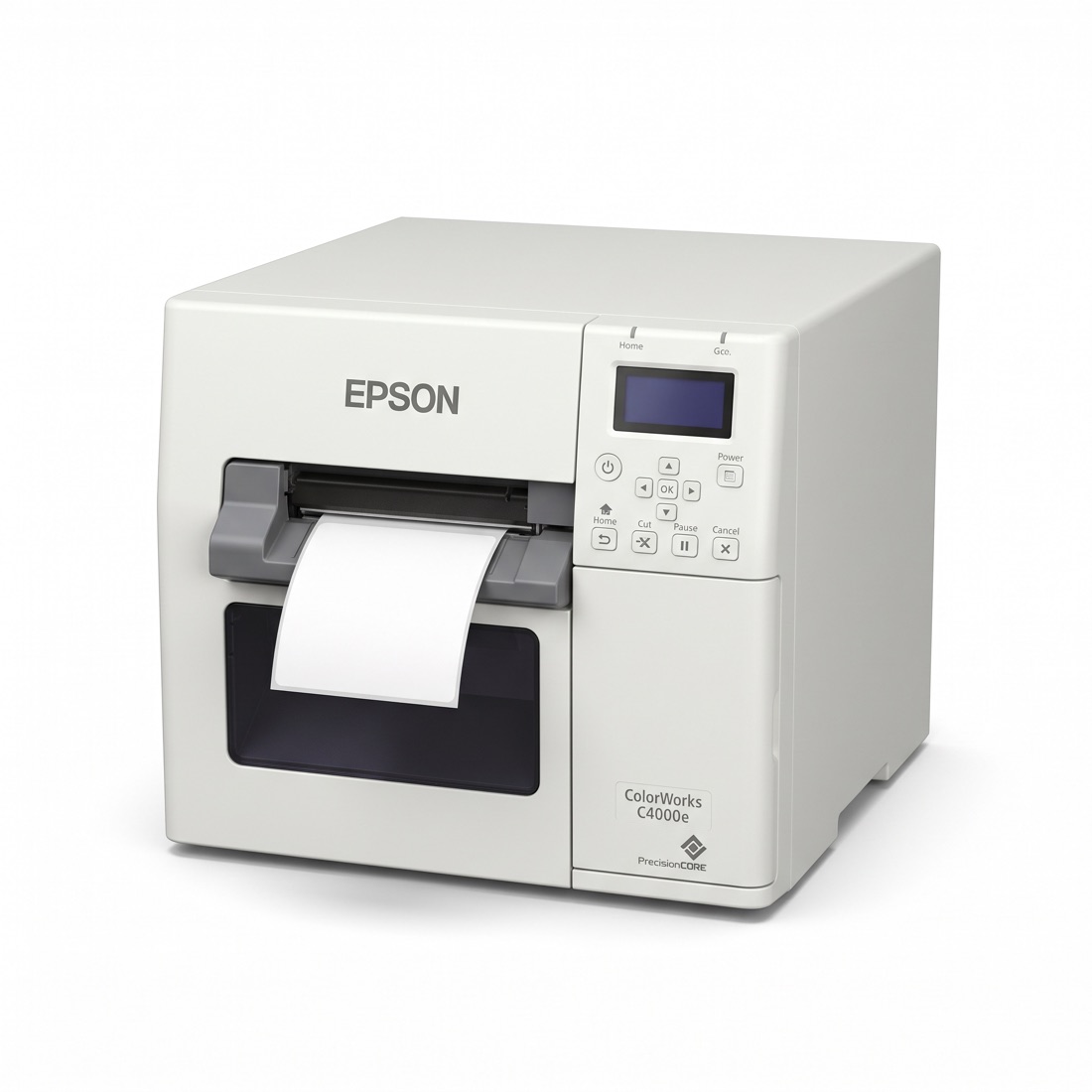
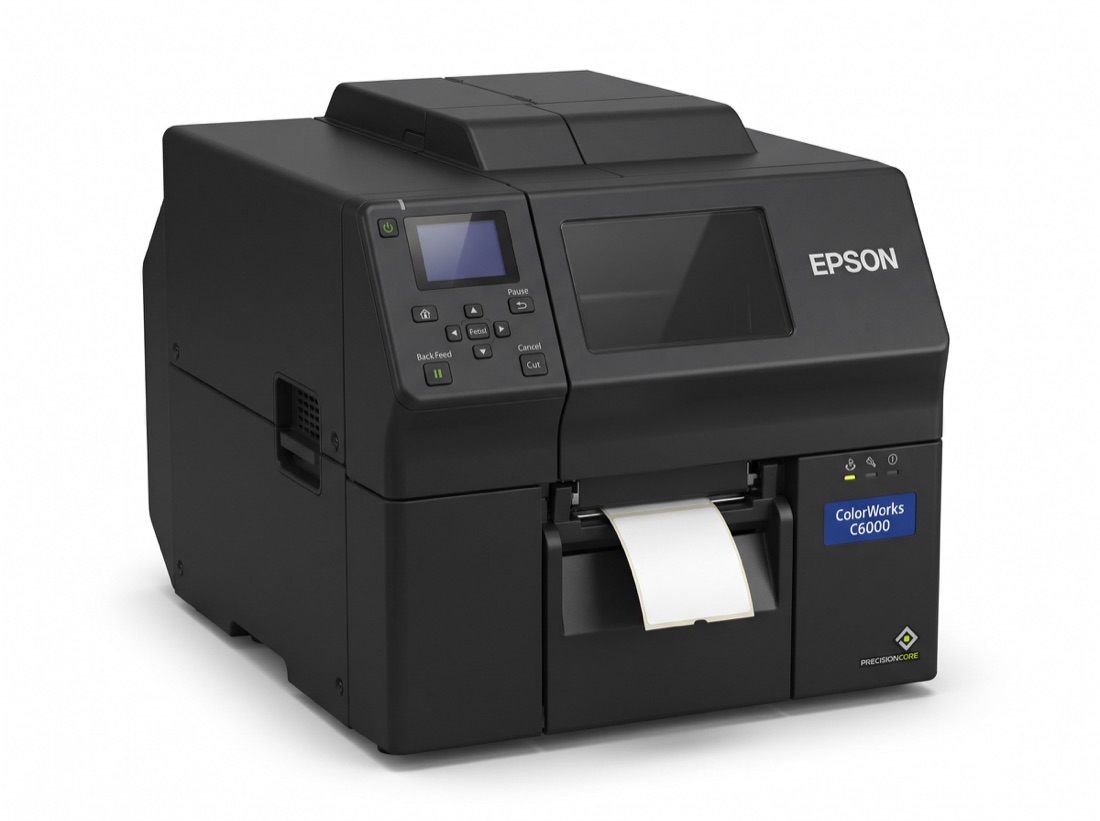
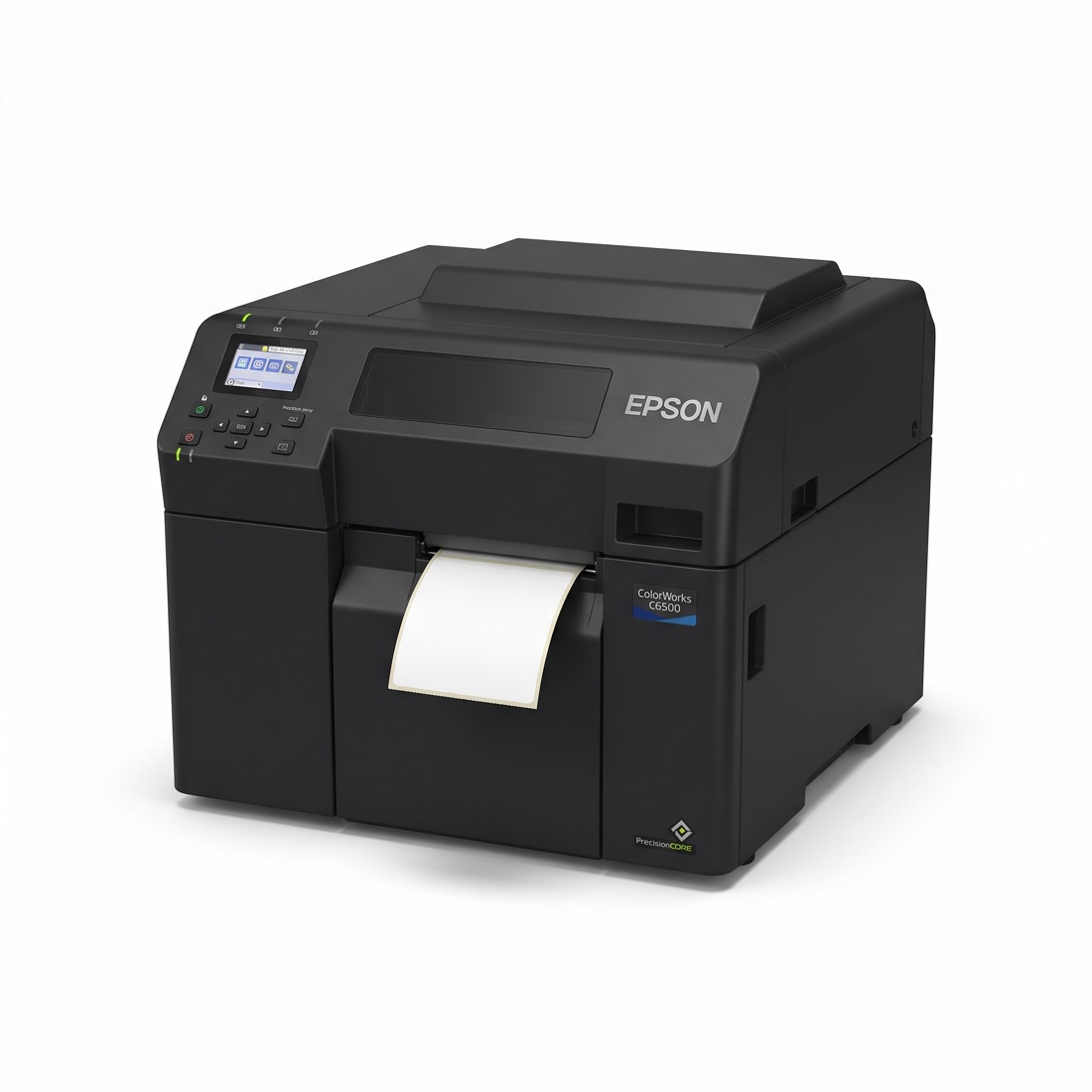
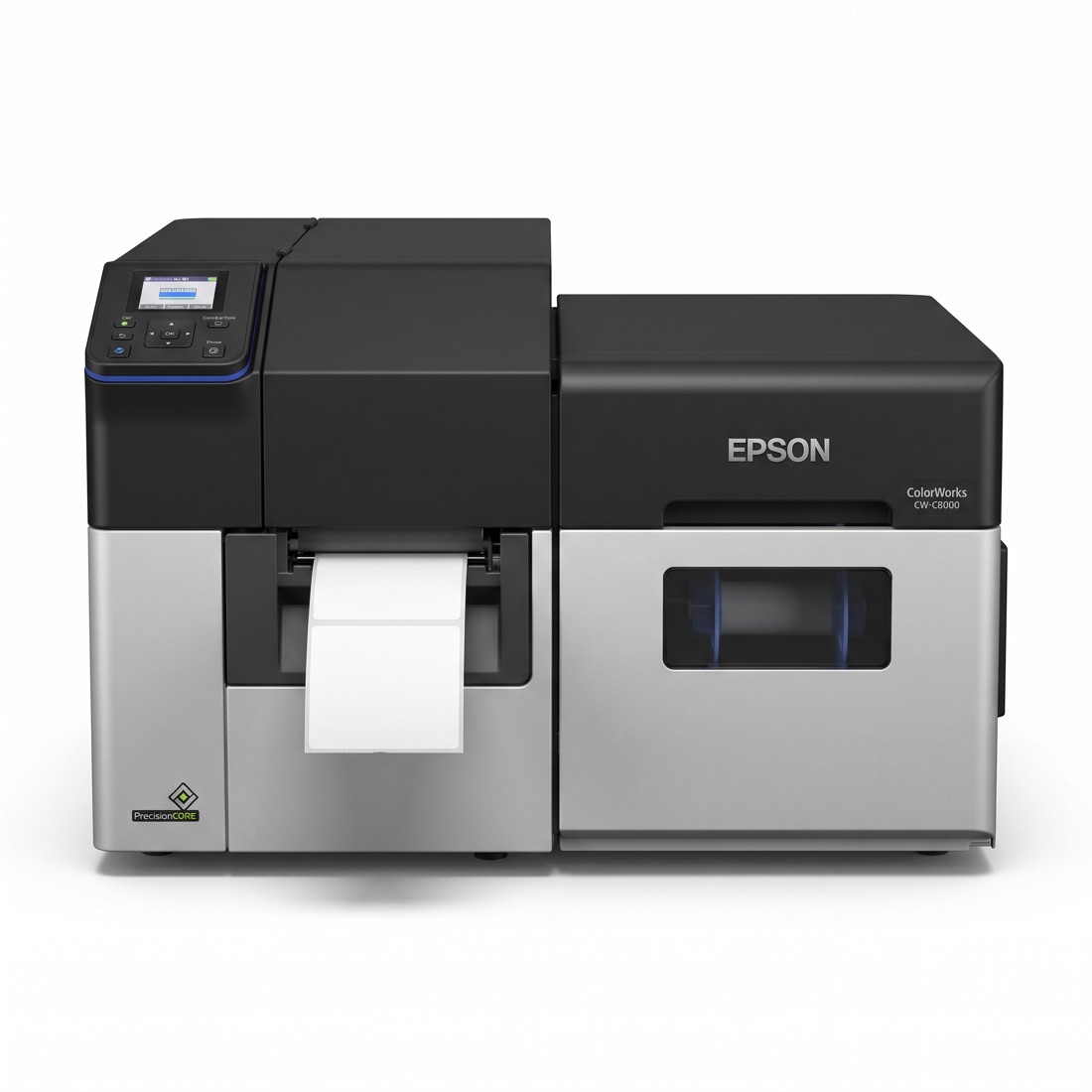
Colour labels printed on demand by inkjet: the CW-C4000e on a desk, the C6000, C6500 and CW-C8000e in production.
By inkjet means no ribbon to match: the ink is pigment or dye, depending on the model.
The models
Each has its own page: its specification, drivers and documents and, for a printer, what fits it and its parts or how to ask for them.
Colour label printers7
- AI imageColour label printerColorWorks CW-C4000e
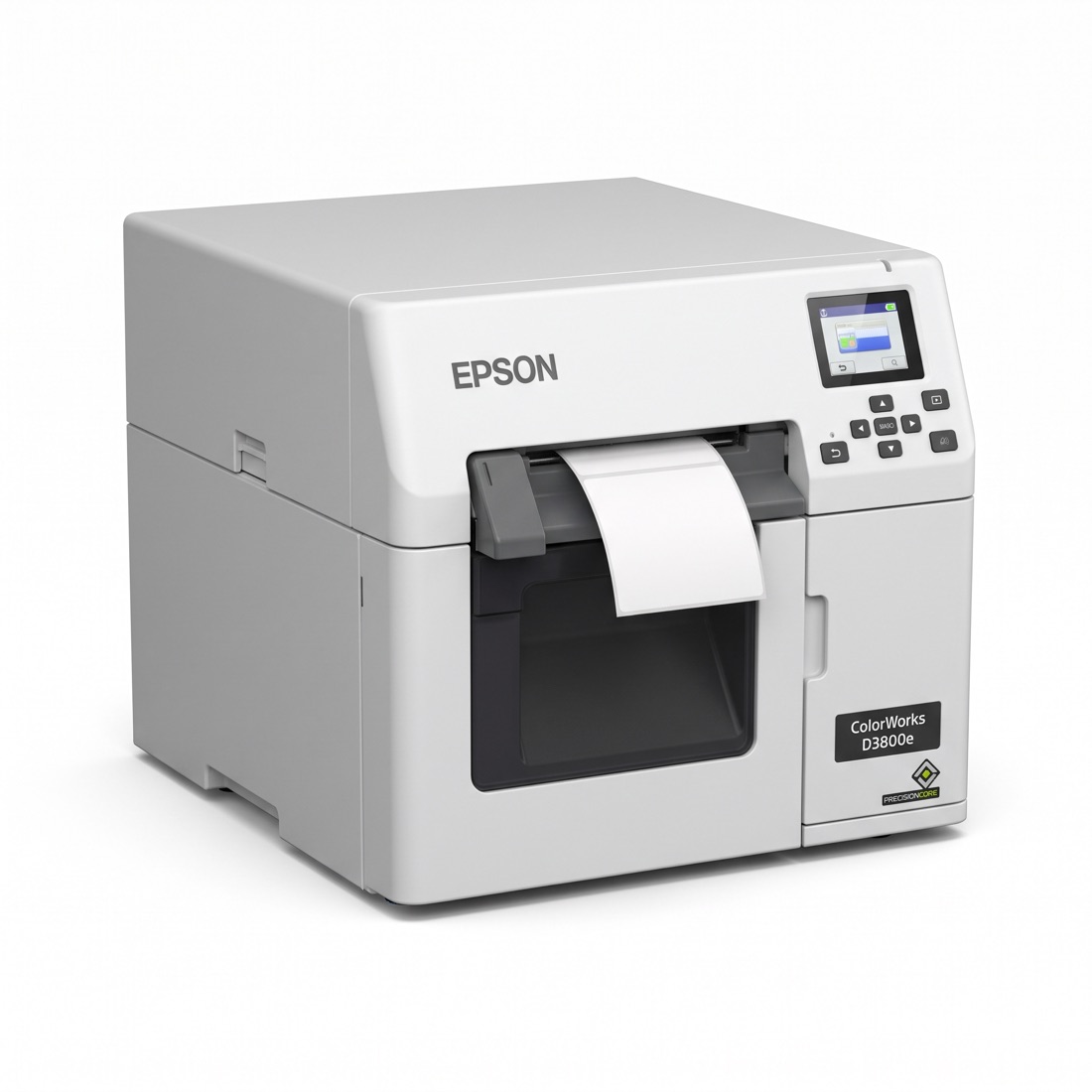 AI imageColour label printerColorWorks CW-D3800e
- AI imageColour label printerColorWorks CW-C6000Ae and CW-C6000Pe
- AI imageColour label printerColorWorks CW-C6500Ae and CW-C6500Pe
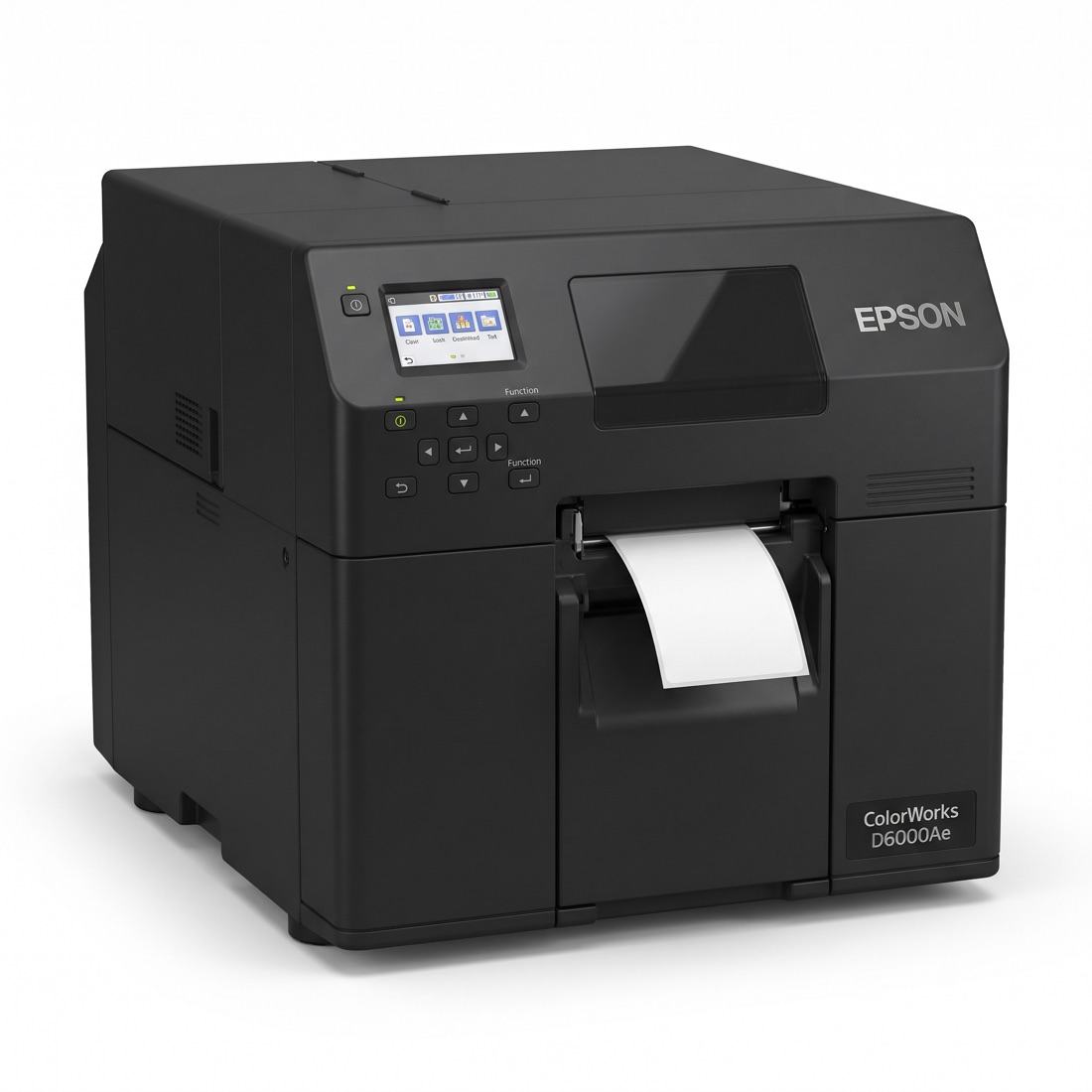 AI imageColour label printerColorWorks D6000Ae and D6000Pe
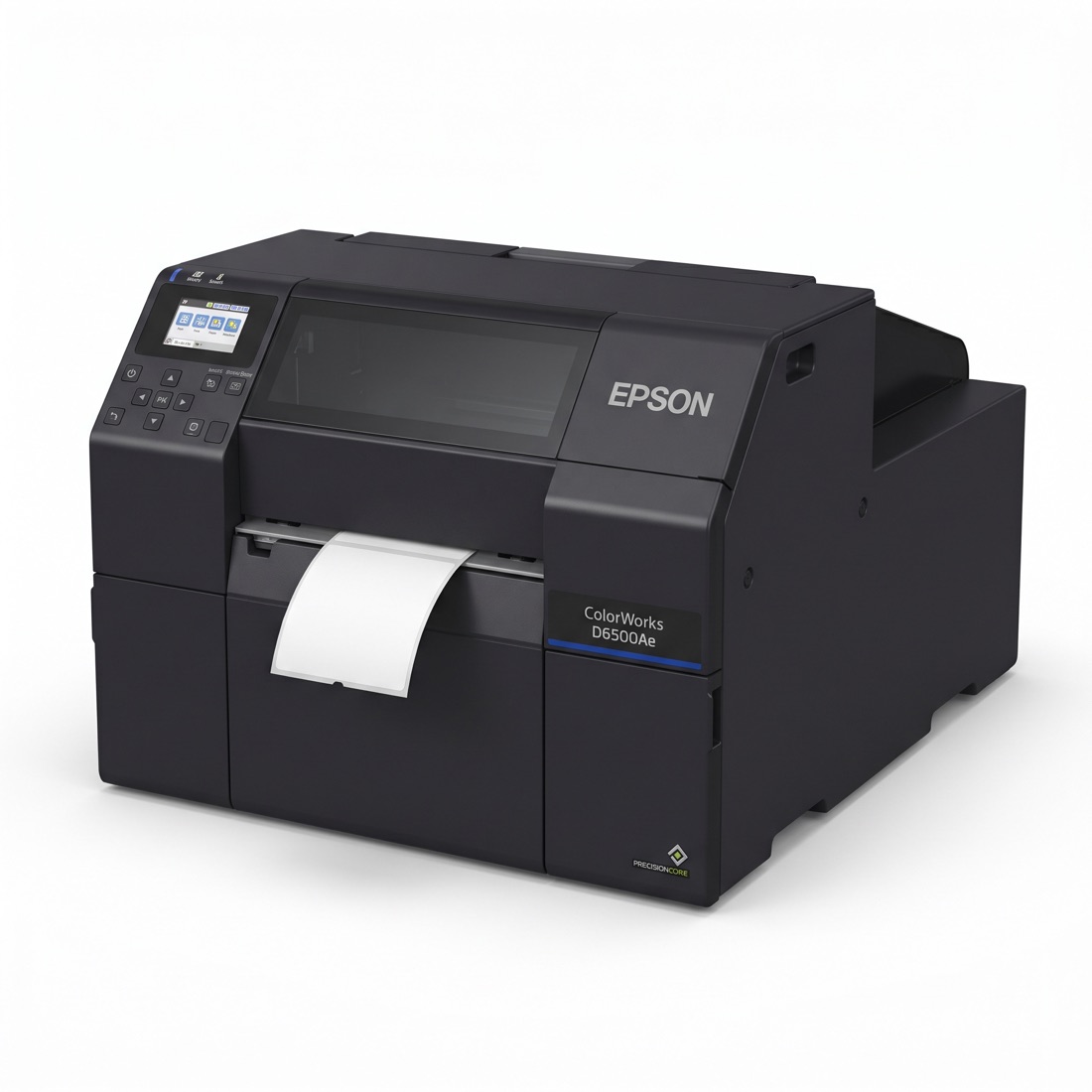 AI imageColour label printerColorWorks D6500Ae and D6500Pe
- AI imageColour label printerColorWorks CW-C8000e
Around an Epson
- Installation: installed and commissioned by us, see 8.3 Installation. Outside Switzerland, each visit is quoted.
- Repair: in our workshop near Zurich, see 8.1 Repair and RMA.
- Calibration: PrinterCal, our own software, calibrates Epson ColorWorks printers.
- Choosing one: the C6000 and D6000 series print labels up to 4 inches wide, the C6500 and D6500 up to 8 inches.
What the label must stick to and survive decides its material. Start in the .
For any Epson model on its own or with its installation, request a quote.
Last checked: 5 November 2026.
Talk to us
Preparing a validation, an inspection or a change to your labels?
The first engagement is free: a half-day review of your current label print chain, ending in a written list of gaps.