
Installation and commissioning
A printer is commissioned when the first labels printed with real data from your ERP or your line have been checked against what the system sent, not when it switches on.
In a GMP plant, the same work produces the record your IQ checks.
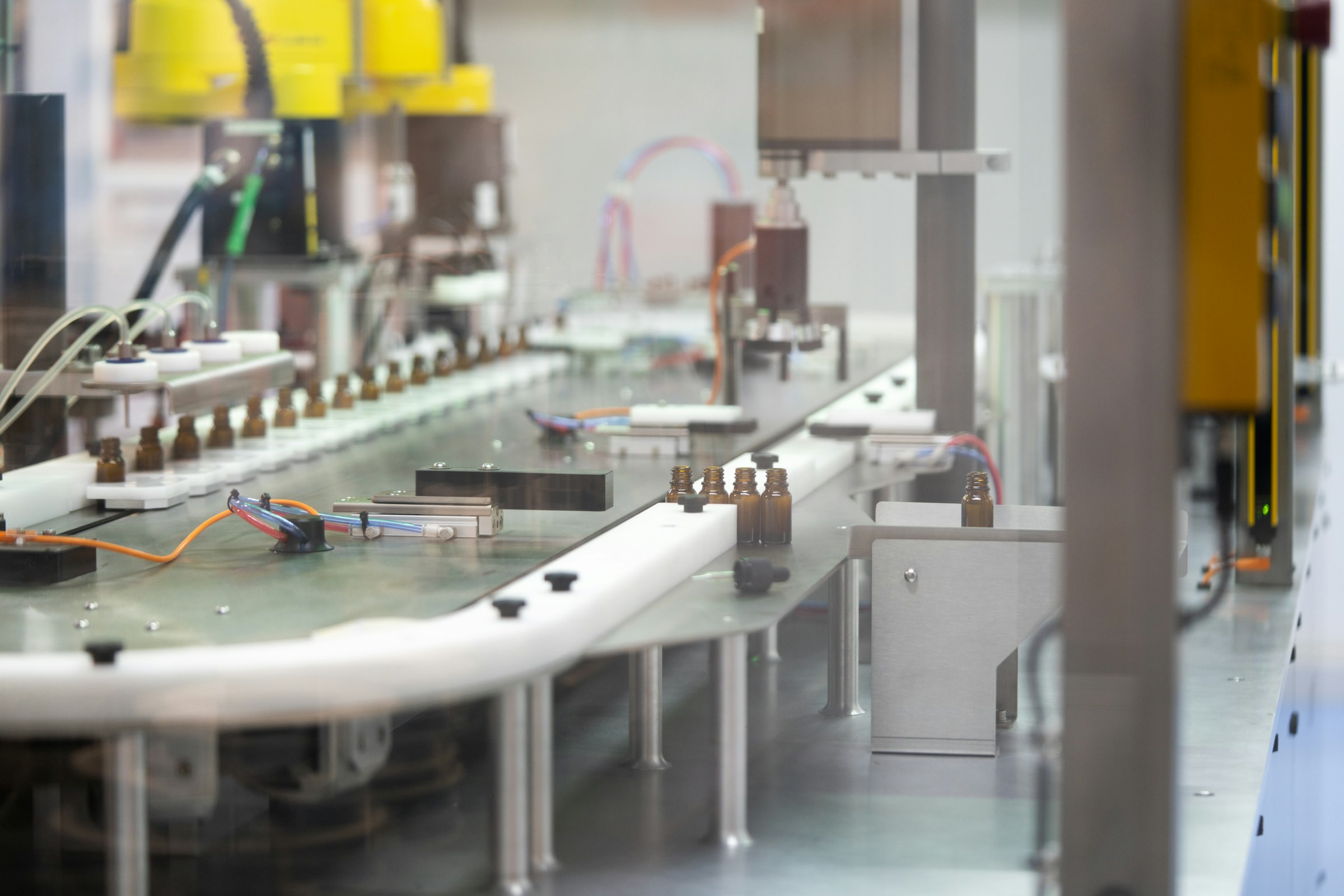
Step by step
What a commissioning covers, in six steps.
Site check. Before delivery we agree where each printer stands, its power and network connection, the labels and ribbon it will run, and which system sends it the data.
Set-up. We unpack and place the printer, connect it, give it the network address your IT assigns, and load the firmware version agreed with you.
Driver and label software. We install the driver that fits your label software, see 8.6 Downloads, and add the printer to CODESOFT, SENTINEL, BarTender or NiceLabel.
Calibration. We load your labels and ribbon and calibrate each printer. On Zebra, TSC and cab printers we use PrinterCal, our own calibration software, which guarantees a perfect calibration: it checks the media sensor, prints a ladder of darkness settings to choose from, and centres the print position. On Epson ColorWorks printers it centres the print position.
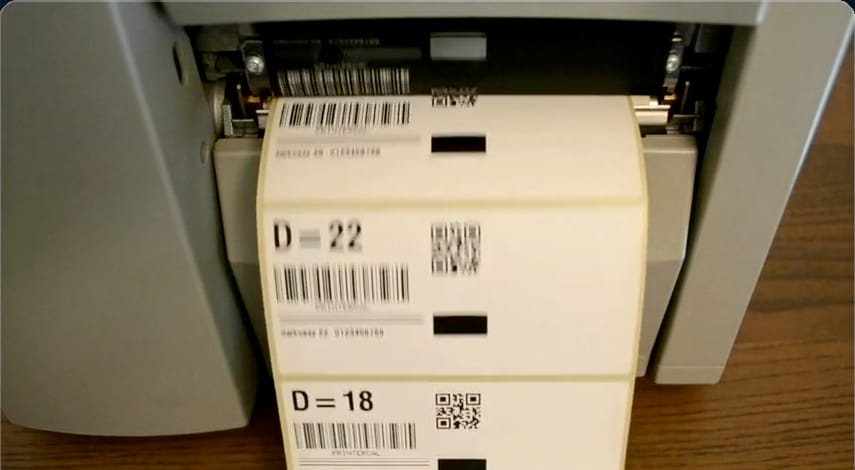
Test labels from PrinterCal, printed at two darkness settings. Test with your data. Labels are printed with real data from your ERP or your line, compared with what the system sent, and every barcode is read with a scanner.
Handover. You receive a record for each printer: serial number, firmware and driver versions, settings and test labels. Your operators are shown how to load, clean and clear the common faults; full training is on 8.4 Training.
PrinterCal lets your own technician calibrate the media sensor, darkness and print position on Zebra, TSC and cab printers too, and the print position on Epson ColorWorks printers. See 2.1 PrinterCal.
In a GMP plant
The installation record is where your IQ starts: the serial numbers, firmware and driver versions it lists are the ones your IQ protocol checks. How we support the IQ and OQ is on 1.4 IQ/OQ/PQ scope.
Where
On site in Switzerland.
In Germany, France, Italy and Austria, on-site installation is assessed and quoted per visit.
A printer can also be configured in our workshop near Zurich and shipped ready to connect, with the tests run remotely.
What stays with you
- The place, the power and the network connection for each printer, and the network access your IT grants us.
- The changes inside your ERP that send the data, see 3.1 SAP label printing.
- On a production line, its mechanics and its safety, see 3.4 Labeling industrial automation.
How installation fits into a whole project is on 3.3 Project management and delivery.
Preparing a validation, an inspection or a change to your labels?
The first engagement is free: a half-day review of your current label print chain, ending in a written list of gaps.