
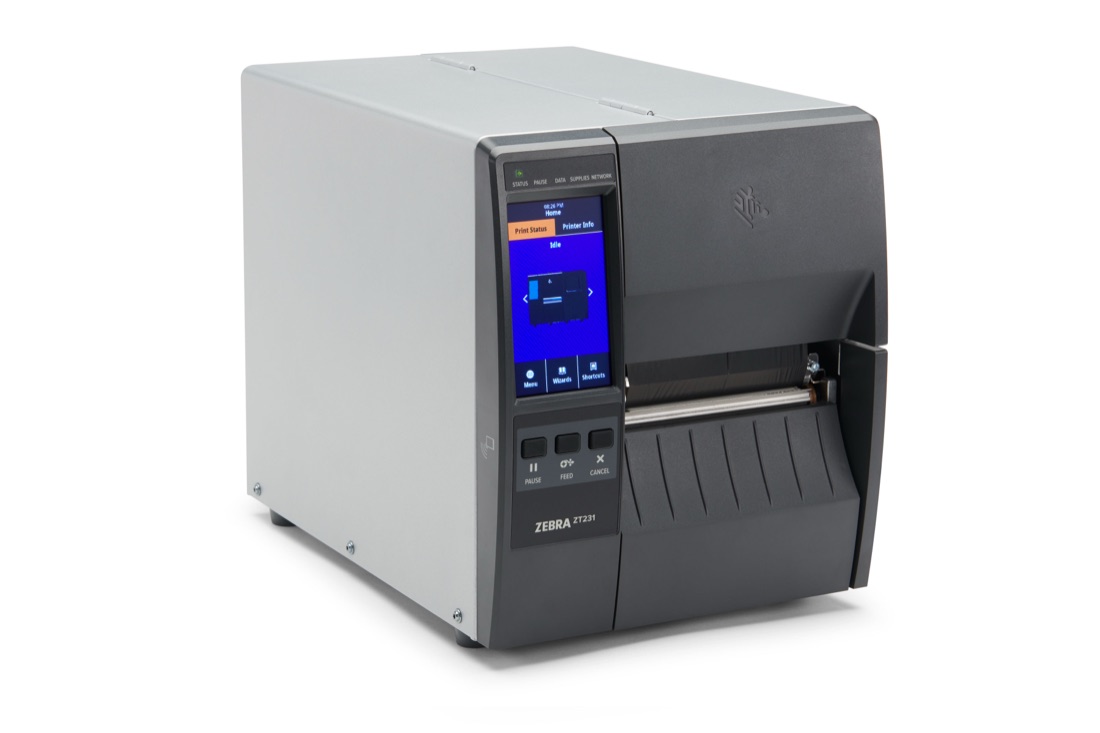
Zebra ZT111
A 4 inch industrial label printer for thermal transfer and direct thermal labels, at up to 254 mm per second and up to 300 dpi.
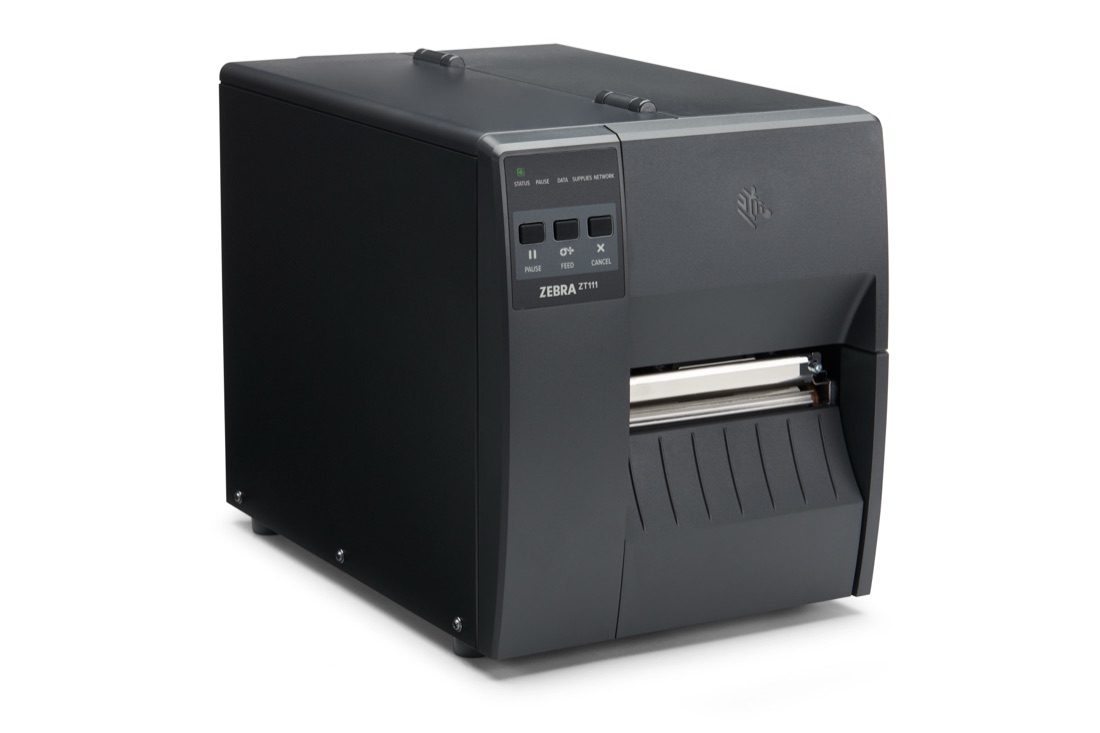
maximum print width
maximum print speed, at 203 dpi
highest resolution, as an option
weight
What fits the ZT111
Drawn to one scale.
Labels: 19.4 to 114 mm wide; 0.076 to 0.25 mm thick; on rolls up to 203 mm across on a 76 mm core, or up to 152 mm across on a 25 mm core.
Ribbons: 40 to 110 mm wide and 450 m long, on a 25.4 mm core.
See , , or start from what the label must survive in the .
Specification
The base model. Options change some of these figures.
Printing
- Methods
- Thermal transfer and direct thermal
- Resolution
- 203 dpi; 300 dpi optional
- Print width
- Up to 104 mm
- Print speed
- Up to 254 mm/s at 203 dpi, 152 mm/s at 300 dpi
- Print length
- Up to 3,988 mm at 203 dpi, 1,854 mm at 300 dpi
- Media sensors
- Transmissive and reflective, adjustable
Labels
- Width
- 19.4 to 114 mm
- Roll
- Up to 203 mm outside diameter on a 76 mm core; up to 152 mm outside diameter on a 25 mm core
- Thickness
- 0.076 to 0.25 mm
- Types
- Continuous, die-cut, notched, black mark
Ribbons
- Length
- 450 m
- Width
- 40 to 110 mm
- Core
- 25.4 mm
Connections
- Standard
- USB 2.0, RS-232 serial, 10/100 Ethernet, USB host, Bluetooth Low Energy
- Optional
- One card: 802.11ac Wi-Fi or a second 10/100 Ethernet port
Printer languages
- ZPL and ZPL II; EPL and EPL2 on 203 dpi models only; ZBI 2.0 optional
Unit
- Controls
- Three-button keypad with five status lights
- Memory
- 256 MB SDRAM, 256 MB flash
- Size
- 432 x 241 x 279 mm, length by width by height
- Weight
- 7.7 kg
- Power
- 100 to 240 V AC, 50 to 60 Hz
Environment
- Operating
- 5 to 40 °C for thermal transfer, 0 to 40 °C for direct thermal; 20 to 85% humidity, non-condensing
- Storage
- −40 to 60 °C; 5 to 85% humidity, non-condensing
Options
Cutter A front-mounted guillotine cutter.
Peeler A front-mounted passive peel with no take-up spindle.
Communication card One option card per printer: 802.11ac Wi-Fi, or a 10/100 Ethernet card that carries print server settings from one printer to another.
Keyboard display unit A ZKDU keyboard display unit for stand-alone printing applications.
ZBI 2.0 Zebra's programming language, which lets the printer run stand-alone applications and connect to peripherals.
Drivers and documents
- From Zebra: the drivers, firmware and user guide are on Zebra's page for the ZT111.
- Set up as a fleet: ZebraDesigner Essentials.
- From SAP: directly through SAP's device types for Zebra printers, or through TEKLYNX SENTINEL, see 3.1 SAP label printing.
- From label software: through Zebra's driver, see Software licences.
- Calibration: PrinterCal, our own software, sets media sensor, darkness and print position on Zebra printers.
Printheads and wear parts
Part-number search| Part | Zebra part number |
|---|---|
| Printhead, 203 dpi | P1123335-152 |
| Printhead, 300 dpi | P1123335-153 |
| Platen roller | P1037974-028 |
| Tear bar | P1123335-038 |
| Peel roller | P1037974-039 |
| Kit to change the resolution to 300 dpi | P1123335-154 |
| Kit to change the resolution to 203 dpi | P1123335-155 |
The numbers are from Zebra ZT111, ZT211 and ZT231 parts catalogue of 17 April 2026. We supply these parts, and compatible ones, under our own article numbers.
What wears, and what shortens its life: 5.5 Printheads and wear parts.
Zebra's warranty in Europe, for printers bought after 1 January 2021: 24 months on the printer, 12 months on the cutter and on wear parts such as platen rollers and belts, and 1 year or 1 million inches (25.4 km) of printing on the printhead, whichever comes first.
Successor
The ZT111 is current: Zebra has announced no end of sale.
It replaced the ZT220. Older models and their successors are on 5.6 Discontinued models.
Around the printer
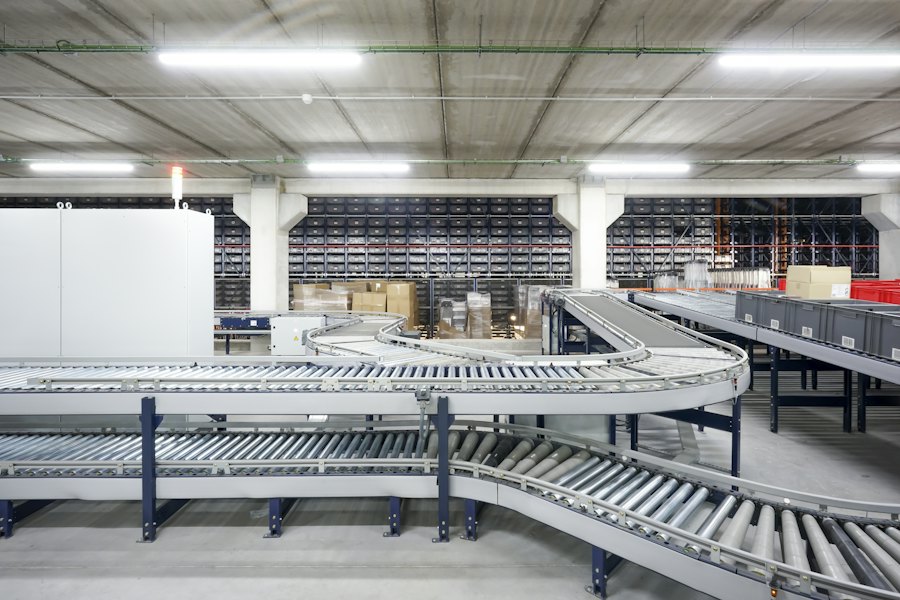
Installation: installed and commissioned by us, see 8.3 Installation. Outside Switzerland, each visit is quoted.
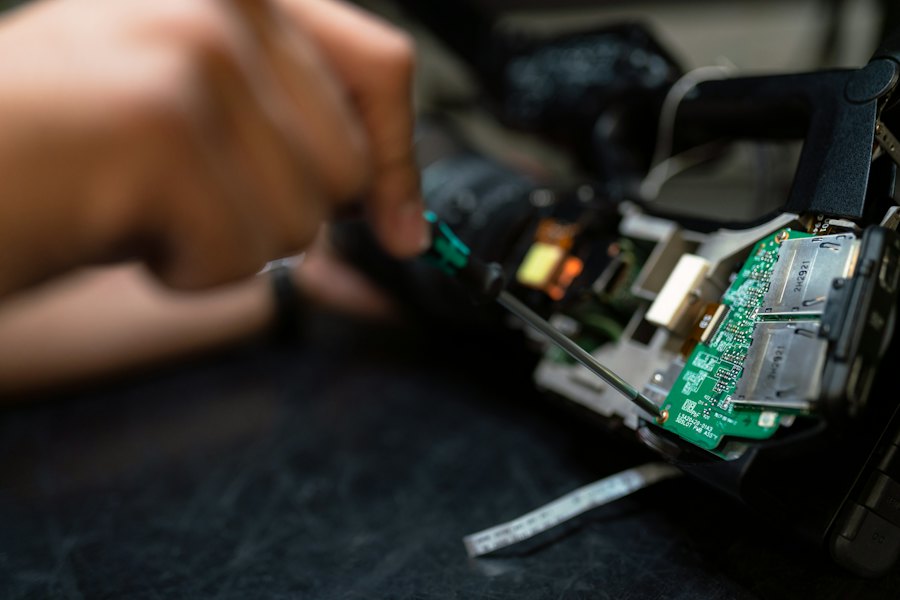
Repair: in our workshop near Zurich, see 8.1 Repair and RMA.
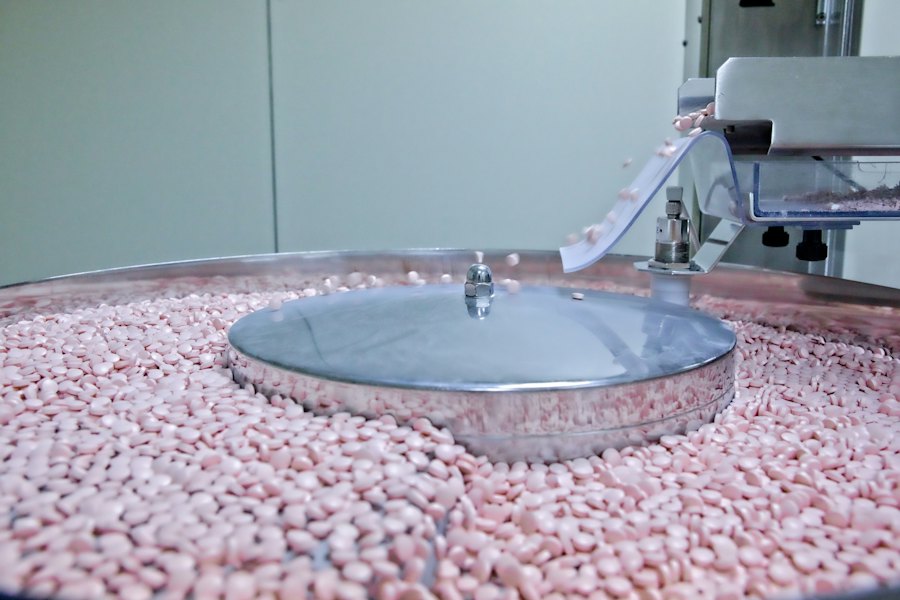
In a GMP plant: IQ and OQ support for Zebra printers, see 1.4 IQ/OQ/PQ scope.
For the ZT111 on its own or with its installation, labels and ribbons, request a quote.
Last checked: 5 November 2026.
Preparing a validation, an inspection or a change to your labels?
The first engagement is free: a half-day review of your current label print chain, ending in a written list of gaps.